Research guides
Guides for your research workflow
Learn how to use LumaCite's citation tools, review source data, and export the references you need.
Product guides
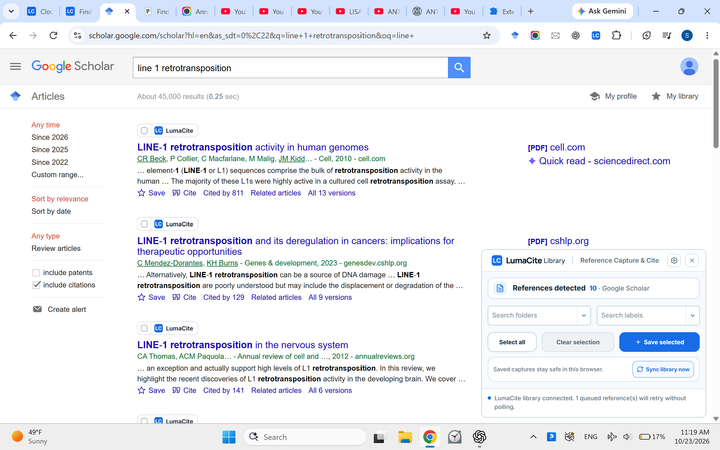 Chrome extensions
Choose Citation Generator or Capture & Cite
Compare the two extensions, open their official Store listings, and understand account and beta requirements.
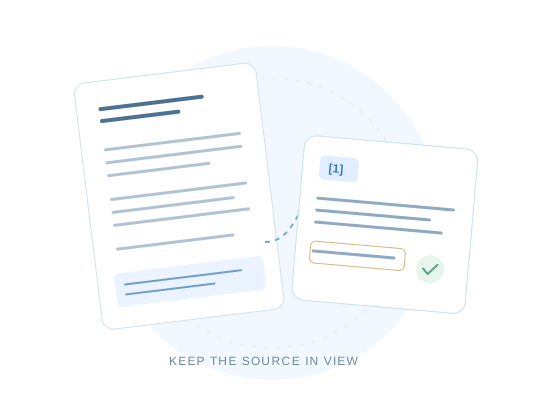 Reference formats
BibTeX vs RIS: choose the right file
Compare the formats, see one reference in both, and check what survives conversion.
 Organize research
Folders, labels, and a library you can search
Explore ways to organize sources, find a reference, review metadata, and export your library.
 Write in Google Docs
Cite sources and keep your bibliography in step
See citation insertion, style selection, locators, bibliography updates, and document reference exports.
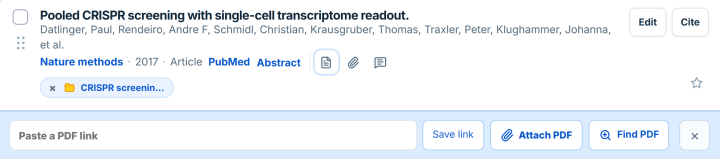 PDF reference extractor
 features and how-to guide
Walk through PDF extraction, review references beside their source evidence, resolve uncertain records, and choose an export format.
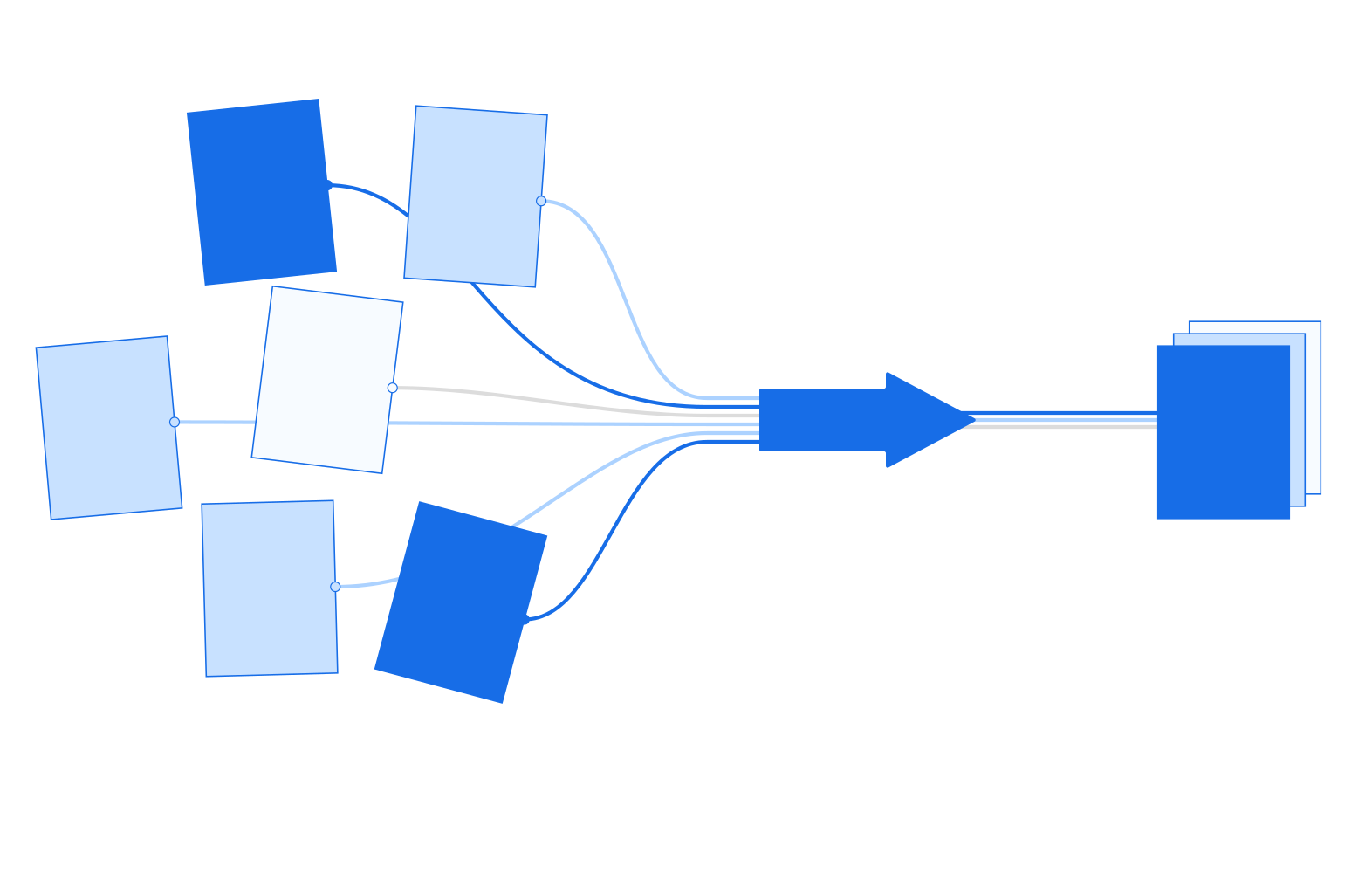 Collect research
Bring your references into LumaCite
Compare ways to add sources: upload a PDF or citation file, paste references, capture a paper from the web, or search by title or identifier.
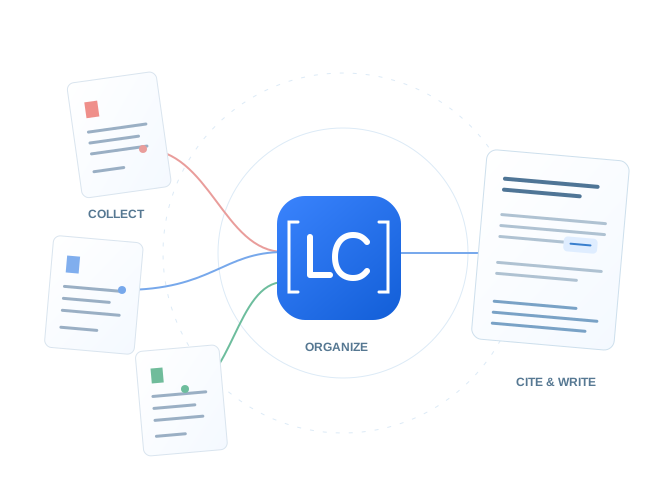 Reference manager
Keep a library ready for writing
Explore folders, labels, citation checks, and export options, then choose the next step for organizing and reviewing your saved sources.
Watch LumaCite in use
Official videos accompany the written guides. Follow the current guide for the latest controls and access requirements.