Place your cursor
Choose where the citation belongs in your Google Doc.
CITE & WRITE
Find a source, add a citation, and keep your bibliography in order—all from Google Docs.
For Google Docs Capture & Cite beta
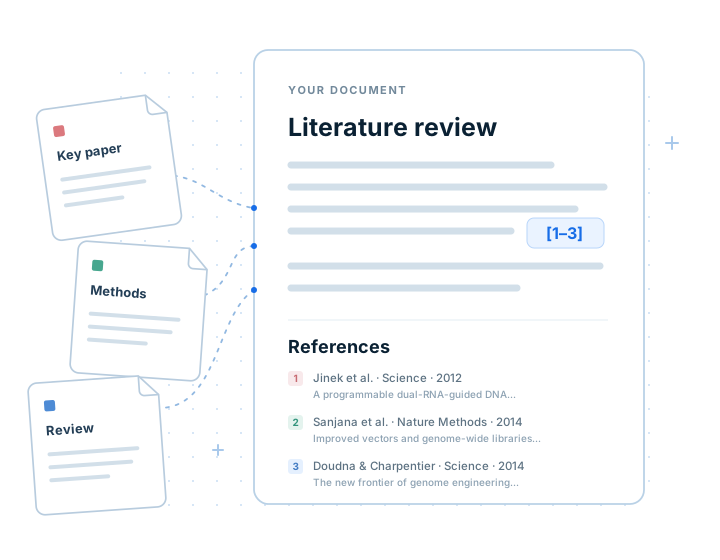
01 CITATIONS IN GOOGLE DOCS
Search your saved references or look for a new source online. Select one or several sources, then insert the citation into your document.
Choose where the citation belongs in your Google Doc.
Search your library or use Online to find a new reference.
Cite a single source or group several sources together.
IN YOUR DOCUMENT
The method builds on earlier research (Jinek et al., 2012).
Jinek, M., Chylinski, K., Fonfara, I., Hauer, M., Doudna, J. A., & Charpentier, E. (2012). A programmable dual-RNA-guided DNA endonuclease in adaptive bacterial immunity. Science, 337(6096), 816–821. https://doi.org/10.1126/science.1225829
02 AUTOMATIC FORMATTING
LumaCite formats your citations and their matching reference list. Refresh your document to apply changes and update the bibliography.
Place the bibliography at the end of your document, at the end of each tab, or at a marked cursor location.
03 CITATION STYLES
Choose APA, MLA, Chicago, Vancouver, or search thousands of official CSL styles. Change styles when your journal or submission requirements change.
See how a citation and bibliography entry will look before applying the style.
Set a citation language, choose journal title abbreviations, or control DOI and website links.
05 DOCUMENT REFERENCES
Export the references used in your document for another citation manager, a spreadsheet, or a LaTeX workflow.
FROM READING TO WRITING
Bring your sources into Google Docs with LumaCite.
Get started